
The Visual Engine for 4K Downloads.
Ultra4KDownloader isn't just a tool; it's a precision instrument for capturing high-fidelity video. Built for creators, archivists, and anyone who refuses to compromise on clarity.
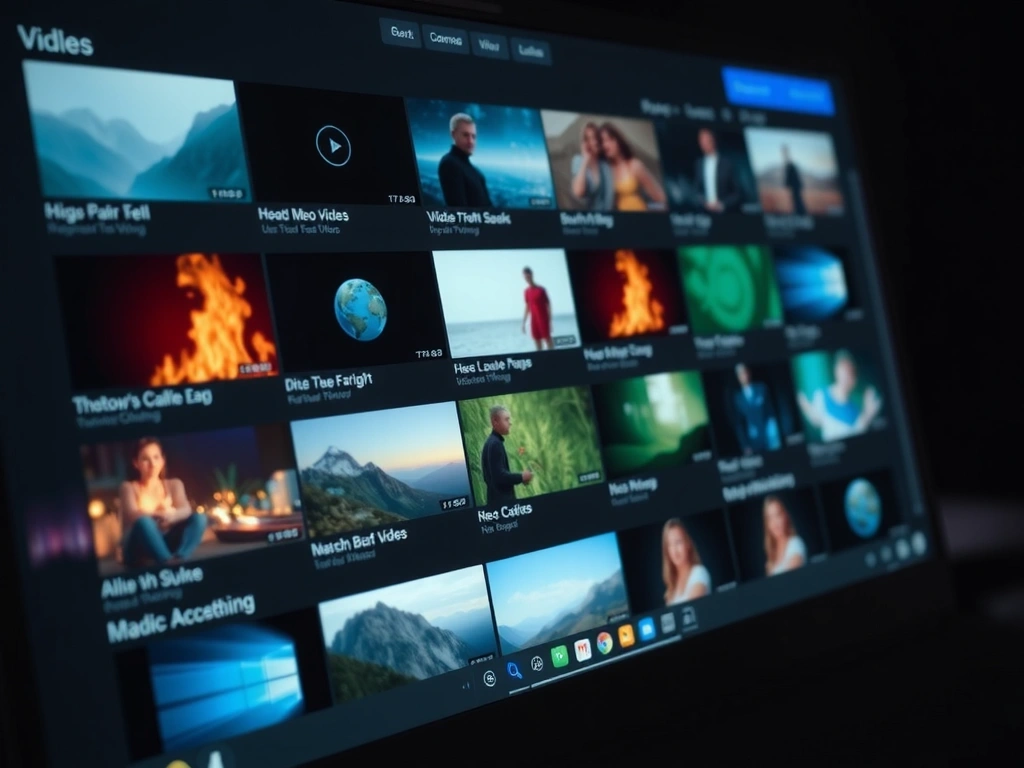
The 4K Canvas: Beyond Standard Resolution
4K resolution delivers 3840×2160 pixels—four times the detail of 1080p. But raw pixels are only part of the story. Ultra4KDownloader preserves the original codec, bitrate, and color space, ensuring your downloaded file is a faithful pixel-for-pixel replica of the source. This is critical for professional workflows where every gradient and shadow matters.
When you download a cinematic sequence or a high-motion sporting event, compression artifacts can destroy the viewing experience. Our engine intelligently bypasses unnecessary re-encoding where possible, delivering files that are not just large, but accurate. You see exactly what the creator intended, from the first frame to the last.
Why This Matters
- • For Archivists: Preserving footage at its highest possible quality for future-proof storage.
- • For Editors: Starting with a master file that can withstand color grading and effects processing.
- • For Viewers: A theatrical experience on any 4K-capable display, without data caps or buffering.
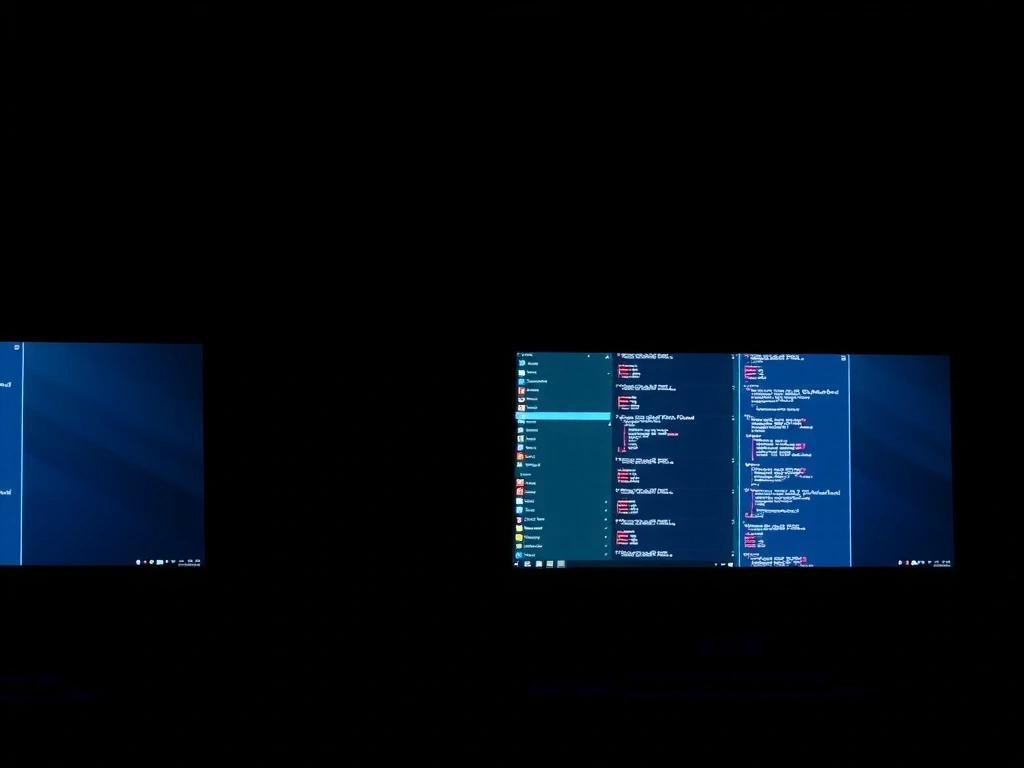
Your Download Command Center
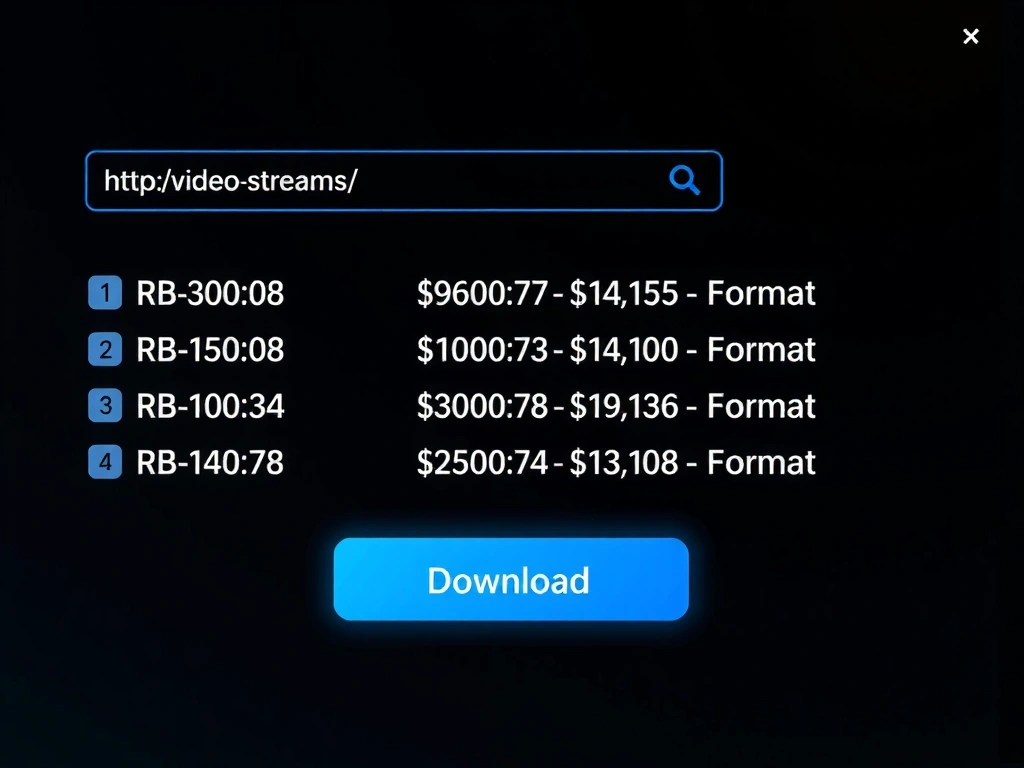
Power should feel intuitive, not overwhelming. The Ultra4KDownloader interface is built on a principle of "invisible complexity." Paste a URL, and the engine instantly scans the source to identify all available video streams, including those embedded in pages or behind simple gateways.
The dashboard provides granular control without clutter. Select your preferred resolution (up to 8K where available), choose from formats optimized for editing (MOV/ProRes proxies) or playback (HEVC/MP4), and manage bandwidth with adaptive bitrate selection. Every decision is presented with clear context, guiding you to the right choice for your specific project.
The Batch Forge: Download at Scale
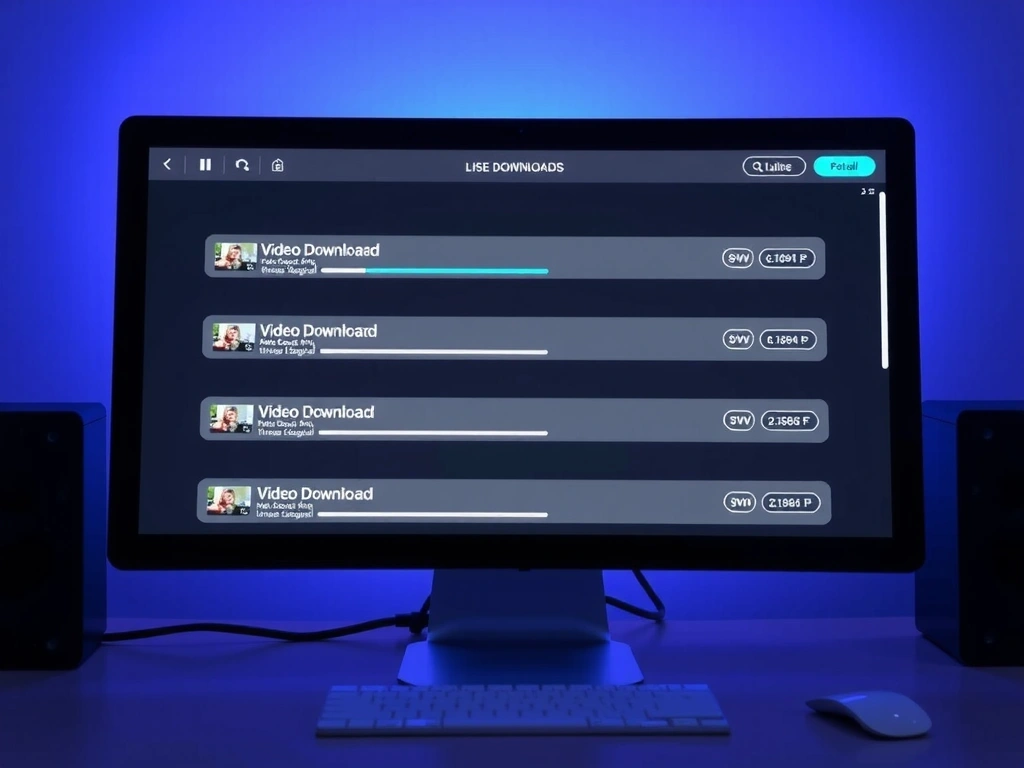
Time is the non-renewable resource for any creator. The Batch Forge transforms downloading from a repetitive task into a background process. Paste a list of up to 50 URLs, import a text file, or let the engine crawl a playlist—the system processes each link sequentially, queuing downloads without your constant oversight.
But scale requires intelligence. Concurrent downloads are throttled based on your network stability and hardware capabilities to prevent system slowdown. Each download is tagged with metadata from the source, including title, duration, and thumbnail, creating an organized archive the moment the file hits your drive. It's not just fast; it's structured.
Operational Framework & Limits
Core Assumptions
- • Source servers have direct stream manifests publicly accessible or discoverable via the page DOM.
- • Your network connection can sustain a stable, uninterrupted data transfer for large files.
- • The source platform's terms of service do not prohibit the technical act of downloading the stream.
Key Constraints
- • Encrypted streams (DRM) from subscription services (Netflix, Hulu) cannot be accessed. This is a technical and legal boundary.
- • Live streams are not supported for historical capture; only finished VOD content.
- • Resolution is capped by the source file. The tool cannot invent pixels it doesn't have.
What Changes This
- • A shift in platform policy to openly offer downloadable master files.
- • Adoption of a new, open video standard that supersedes current streaming protocols.
- • Legal clarification creating a recognized fair-use framework for personal archiving.
This framework guides our development priorities and sets realistic user expectations. Our value is not in circumvention, but in intelligent aggregation and presentation of available public data streams.
Common Failure Modes (And How to Sidestep Them)
The "Low-Res Only" Trap
You paste a URL and only see 480p or 720p options. This usually means the source server is dynamically serving lower-quality streams for your region or device type.
Avoid it: Use the "Force High-Quality Scan" option in settings. This attempts a different handshake to request the top-tier manifest, though success isn't guaranteed (see constraints above).
The "Corrupted File" Error
A download completes, but the file won't open. This typically occurs when the network connection was interrupted mid-stream, leaving the file incomplete.
Avoid it: Enable "Verify Integrity on Completion." The system will checksum the downloaded file against the source stream size (when available) and flag errors for re-download.
The "Infinite Queue" Loop
A batch download seems stuck, cycling without progressing. This often happens with "soft 404" errors—the link points to a page, but the video stream has been removed.
Avoid it: Check your batch list for expired or community-deleted content. The system will eventually time out and mark the item as "unavailable," clearing the queue.
The "Silent Failure"
The download button does nothing. Your browser's security settings or ad-blocker may be interfering with the fetch request.
Avoid it: Temporarily pause ad-blockers on the source page. The tool does not inject ads; it simply reads the page data. We recommend running in a "clean" browser profile for critical downloads.
Integrated, Not Isolated
Ultra4KDownloader is designed to slot into your existing toolkit. It's not a walled garden. Files download to a destination folder of your choice, named and tagged for immediate use in DaVinci Resolve, Premiere Pro, or your media server like Plex.
Think of it as the first, most critical step in a larger content pipeline: acquisition. What you do next—edit, color grade, archive, or simply watch—is entirely in your hands. We provide the raw material, not a prescription for your workflow.
"Our goal is to be a transparent conduit. You should forget we're there, except when you need the file you need, exactly as you need it."
— Engineering Principle
Ready to Build Your Pipeline?
Download the free version and test its fit in your workflow.
Start Downloading Now